




When teams grow, access control can become messy without warning. Good RBAC software keeps permissions clear and under control so people keep working without delays.
While evaluating this list we focused on role automation, policy control, hybrid support, user experience and enterprise governance because these are the core areas that decide if a tool actually reduces risk and scales with a growing team.
No heavy theory, only clear comparisons and useful insights you can apply directly. At the end you will also see how this article was planned step by step so you can make smarter decisions faster.
Best Role-Based Access Control (RBAC) Software: A Detailed Comparison
10 Top Role-Based Access Control (RBAC) Software
1. Infisign
Infisign focuses on modern identity access where roles and access decisions can adapt based on context and risk signals. This approach moves closer to behavior aware and risk adaptive access so permissions can adjust when conditions change instead of staying static.
The platform tries to reduce manual permission work and keep security clean. Teams can manage roles without creating extra complexity. The goal is simple access with strong control.
Key Features
- Role Based Access Control (RBAC). Infisign connects access with user roles so people get the right permissions without waiting. When a person changes role access also changes automatically.
- AI Assisted Access Approvals. Infisign uses AI to help you handle access requests faster and with less manual work. High risk access still needs manager or admin approval so sensitive permissions stay controlled.
Users can request access directly through Slack and Teams so the process feels simple and natural inside daily workflow. - Adaptive and Contextual Access. Infisign looks at real time signals like location, device trust and user role before allowing access. Normal logins stay smooth so users do not feel extra friction. If behavior looks risky the system asks for extra checks before giving access.
- Just In Time JIT Provisioning and Deprovisioning. Infisign gives access only when it is needed and removes it when work is done. Admin rights appear for a short time and then disappear again. Automated provisioning and deprovisioning keeps permissions updated as people join, move or leave.
- Granular Permission Controls. Infisign allows deep control over permissions so you can define exactly what each role can do. Conditional access policies stop users when they try to open sensitive tools without proper rights.
- Unified Access Management Dashboard. Infisign brings user access activity and permissions into one clear view. You can monitor logins reviews and policy changes without jumping between systems.
- Integrations. Infisign connects with more than 6000+ apps through APIs and SDKs so integration feels easy. It works across cloud tools, legacy systems and hybrid setups without heavy coding.
Pros
- Adaptive role automation keeps access clean as teams grow. Users get smooth access while security stays strong. Admins spend less time managing permissions manually. Role control feels modern and flexible.
- Unified access across cloud and internal systems reduces complexity. Users do not struggle with repeated access requests. Admins see everything from one place. This improves visibility and control.
- Automated lifecycle management removes old permissions automatically. Security risk reduces when roles change often. Teams avoid access clutter over time. Long term governance becomes easier.
Cons
- Passwordless login depends on the encrypted password vault feature. Without this vault the passwordless flow will not work properly. Teams need to enable and manage the vault before using passwordless access.
2. Okta
Okta is a well known identity platform used by many enterprise teams. It focuses on clean role management and centralized access control. The system works well when companies manage many applications together which makes it a strong choice among RBAC tools for modern businesses. Access policies stay consistent across environments.

Key Features
- Centralized Role Management. Admins assign roles from one dashboard instead of multiple systems. This keeps access organized and predictable.
- Automated Provisioning. User access updates when employee status changes inside the organization. Roles stay aligned with real job responsibilities.
- Adaptive Access Policies. Okta checks context like location and device before allowing access. Risky situations trigger stronger verification.
- Integration Ecosystem. The platform connects with many enterprise apps and services. Roles apply consistently across tools.
Pros
- Centralized role management makes access control easier across many apps. Admins handle permissions from one dashboard.
- Automated provisioning keeps roles aligned with employee changes. Access updates without manual work. Security improves because outdated permissions reduce.
- A strong integration ecosystem supports many enterprise tools. Roles apply consistently across systems.
Cons
- Setup may feel enterprise heavy for small teams. Configuration needs planning and structure. Simple organizations may not use full power.
- Advanced policy tuning requires experience. New admins may need training. Role logic can become complex in large environments.
- Pricing can feel expensive for basic use cases. Smaller companies may compare simpler tools.
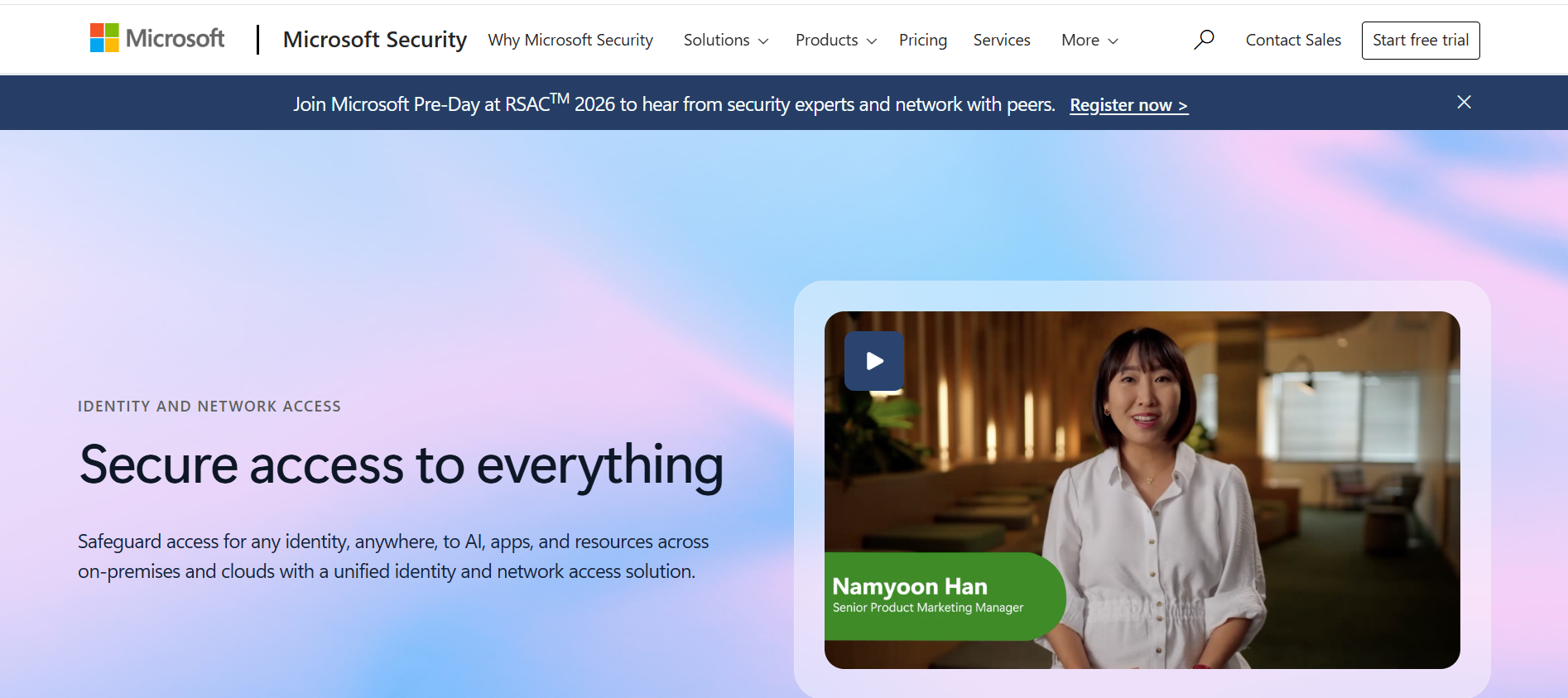
3. Microsoft Entra ID
Microsoft Entra ID works best for organizations already using Microsoft services. It combines identity management with role based access control which makes it one of the practical RBAC solutions for teams working inside the Microsoft ecosystem.
Key Features
- Built In Role Templates. Admins can use predefined roles for quick setup. This reduces confusion during initial deployment.
- Group Based Access Control. Roles can be assigned using groups instead of individuals. This makes permission management scalable.
- Conditional Access Integration. Access decisions work with Microsoft security signals. Risk based policies improve protection without heavy user friction.
- Hybrid Environment Support. Azure AD connects cloud services with on premise systems. Organizations can move gradually without breaking access models.
Pros
- Deep integration with the Microsoft ecosystem makes deployment easy. Teams already using Microsoft services see quick value.
- Group based access simplifies permission management at scale. Admins update groups instead of individual users.
- Conditional access policies improve security without heavy friction. Safe users get a smooth experience.
Cons
- Best experience exists mainly inside Microsoft environments. Non Microsoft integrations may require extra effort.
- Complex policy structures can confuse new admins. Configuration takes time to understand.
- Advanced features often depend on enterprise licensing. Smaller teams may not access full capabilities.
4. SailPoint
SailPoint focuses on identity governance and role control for large organizations. The platform helps companies understand who has access and why which makes it one of the trusted RBAC tools for enterprise security teams. It is built for compliance heavy environments where access decisions stay visible and structured.
Key Features
- Identity Governance Engine. SailPoint tracks role changes and access decisions across systems. This gives strong visibility for security teams.
- Automated Access Reviews. Managers review permissions through workflows instead of manual checks. Unused access gets removed during review cycles.
- Role Modeling Tools. Organizations can define structured roles based on business functions. This keeps access consistent across departments.
- Lifecycle Automation. Access updates automatically when employees move roles or leave. Old permissions do not remain active for long.
Pros
- Strong governance and compliance focus helps regulated industries. Access decisions stay visible and traceable.
- Automated access reviews reduce manual certification work. Managers approve or remove access through workflows.
- Role modeling tools help create structured access frameworks. Permissions stay organized across departments.
Cons
- Implementation can feel heavy during initial rollout. Planning and role design take time.
- Interface feels enterprise oriented and may require training. Beginners may find workflows complex.
- Smaller organizations may not use full governance capability. The platform is designed for large scale control.
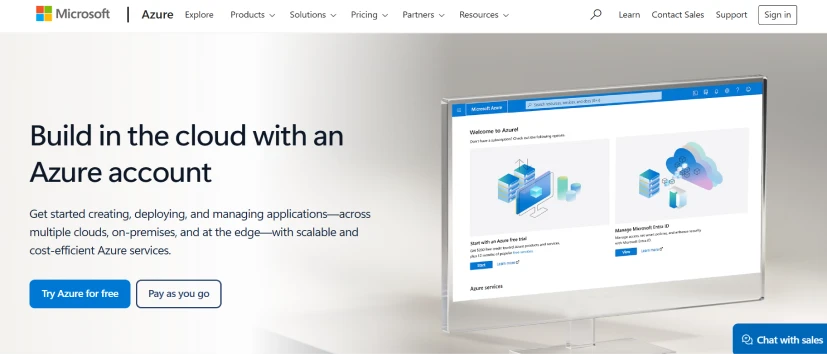
5. Azure RBAC
Azure RBAC focuses on permission control inside Microsoft Azure cloud resources. It is designed for technical teams managing infrastructure and services. Access can be defined at very detailed levels which makes it one of the practical RBAC solutions for precise cloud security.
Key Features
- Resource Level Permissions. Admins control access at subscription group or resource level. This gives very fine control over cloud actions. Teams reduce unnecessary privileges. Security becomes tighter.
- Built In Roles. Azure provides predefined roles for common tasks. Setup becomes faster for new environments. Admins avoid creating everything from scratch. Role clarity improves quickly.
- Custom Role Creation. Teams can build roles based on exact workload needs. This helps when default roles feel too broad. Access stays aligned with real responsibilities. Security remains flexible.
- Cloud Native Governance. Role policies work directly with Azure services. Access stays consistent across cloud infrastructure. Admins manage permissions from one control layer. Governance becomes easier at scale.
Pros
- Resource level permission control gives very precise security. Teams limit access to exact cloud actions.
- Built in roles speed up deployment for common scenarios. Admins start quickly without creating custom roles.
- Native integration with Azure services keeps access consistent. Admins manage permissions from one cloud layer. Security policies stay aligned with infrastructure.
Cons
- A technical learning curve exists for beginners. Policy structure may feel complex at first.
- Focus stays mainly on Azure cloud resources. It is not a full identity governance platform.
- Custom role design can become complex in large environments. Permission mapping needs careful planning.
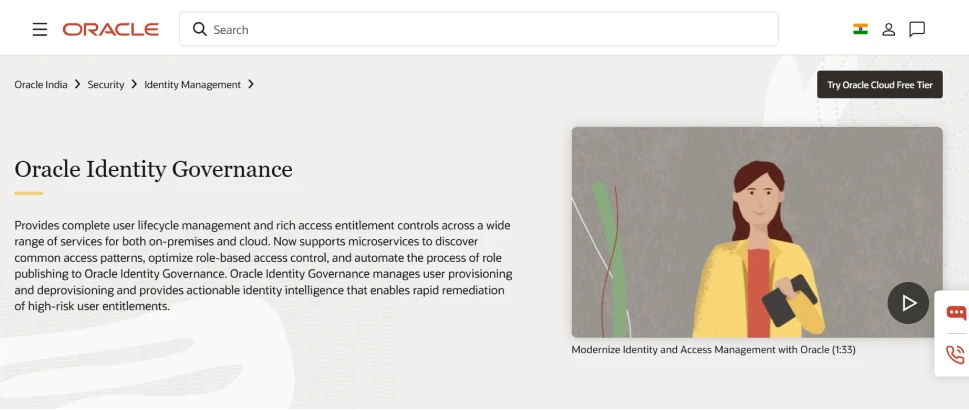
6. Oracle Identity Governance
Oracle Identity Governance is built for enterprises that need strong access governance and role control. It focuses on structured identity workflows and compliance driven access which makes it a strong role based access control software choice for hybrid cloud environments.
Key Features
- Access Certification Workflows. Managers review user permissions through structured approval cycles. This helps remove unnecessary access over time.
- Role Lifecycle Management. Roles update when employees join change teams or leave the company. This keeps permissions aligned with real job responsibilities.
- Automated Provisioning. Access gets assigned automatically based on role rules and policies. Manual setup reduces which lowers human mistakes.
- Policy Driven Governance. Access decisions follow governance rules instead of random requests. This keeps role structure organized across departments.
Pros
- A strong governance model helps enterprises meet compliance requirements. Access decisions stay traceable and clear.
- Automated certification reduces manual access reviews. Managers approve permissions through workflows.
- Hybrid support allows organizations to manage cloud and legacy environments together. Migration becomes smoother for large enterprises.
Cons
- Implementation can feel heavy during initial setup. Role design needs planning before deployment.
- Enterprise workflows may feel complex for smaller organizations. The learning curve exists for new users.
- Advanced governance features may require licensing planning. Cost evaluation becomes important.
7. One Identity
One Identity focuses on identity governance and role based access management. The platform helps enterprises organize permissions and reduce manual administration. It combines automation with policy control which makes it a reliable role based access control software choice. Access management stays structured across systems.
Key Features
- Role Lifecycle Automation. Roles update automatically as employees change responsibilities. This keeps access aligned with business structure.
- Governance Dashboards. Admins get visibility into who has access and why. Decisions become easier because data stays clear. Security teams monitor risks quickly.
- Policy Based Access Control. Rules define how permissions get assigned and reviewed. This reduces random access requests. Role structure stays consistent across departments.
- Access Request Workflows. Users request permissions through approval flows instead of direct access. Managers review requests before granting access.
Pros
- Role automation keeps permissions updated as teams change. Admin effort reduces over time.
- Governance dashboards improve visibility for security teams. Access decisions become clearer.
- Structured workflows reduce unauthorized access requests. The approval process keeps security strong.
Cons
- Setup can take time in complex environments. Role mapping requires planning.
- Advanced customization may feel complex for beginners. A learning curve exists for new admins.
- Smaller organizations may find platform depth more than needed. Enterprise focus can feel large.
8. JumpCloud
JumpCloud combines identity management with device and access control. It works well for growing companies that want simple role based access without heavy enterprise complexity. The platform is cloud first and easy to manage which makes it a practical role based access control software option for modern teams.
Key Features
- Centralized Role Assignment. Admins manage users and roles from one cloud console. This keeps permissions organized across teams.
- Cloud Native Access Control. Everything runs from the cloud without heavy infrastructure. Teams deploy faster and scale easily.
- Multi Platform Support. Roles apply across different devices and operating systems. Users get consistent access experience.
- Directory and Access Integration. Identity and access management work together in one system. This reduces complexity for admins.
Pros
- Cloud first design makes setup fast and practical. Admins avoid complex infrastructure.
- Centralized role assignment reduces confusion. Permissions stay organized across users.
- Multi platform support helps mixed device environments. Users get consistent access. Security stays unified across systems.
Cons
- Advanced enterprise governance may be limited compared to larger IAM platforms.
- Complex compliance workflows may require additional setup.
- Very large environments may outgrow basic simplicity.
9. Ping Identity
Ping Identity focuses on enterprise identity and adaptive access control. It combines role based access with risk aware policies. The platform helps organizations balance security and user experience. Access stays flexible but controlled which places it among trusted centralized role-based access control tools vendors for enterprise environments.
Key Features
- Adaptive Access Roles. Roles adjust based on risk signals and context. Safe users get smooth access flow. Suspicious activity triggers stronger checks.
- Central Identity Management. Roles apply across many applications from one control layer. Admins avoid fragmented access rules.
- API Integration Support. Enterprises connect role management into existing systems using APIs. This allows flexible deployment.
- Single Sign On Integration. Users move across apps without repeated logins. Role policies still control access behind the scenes.
Pros
- Adaptive access improves security without creating friction. Users see extra checks only when needed.
- Strong integration support fits enterprise environments. Organizations connect existing systems easily.
- Centralized identity control reduces access complexity. Admins manage policies from one place.
Cons
- Enterprise setup may feel complex for smaller teams. Policy tuning takes planning.
- Advanced features require experienced administrators. Role logic may become complex at scale.
10. AWS IAM
AWS IAM controls access inside Amazon cloud environments. It allows very detailed role based permission management. The platform works well for hybrid cloud and large infrastructure setups. Security stays tightly controlled through policies.
Key Features
- Fine Grained Policy Control. Admins define exact actions users or services can perform. This reduces over permission risk.
- Role Based Access for Users and Services. Roles apply to people and cloud services together. This keeps cloud workloads secure.
- Temporary Credentials. Access can be granted for short periods instead of permanent permissions. Risk reduces because credentials expire automatically.
- Cloud Native Governance. Policies integrate directly with AWS services. Access stays consistent across infrastructure. Admins manage everything from one platform.
Pros
- Very granular permission control improves cloud security. Teams reduce unnecessary privileges. Access stays tightly managed.
- Roles work for both users and services which support automation. Cloud workloads stay secure. Permission management becomes flexible.
- Native integration with AWS services keeps governance consistent. Admins manage everything from one platform.
Cons
- Policy structure can feel complex for beginners. The learning curve exists during early setup.
- Not a full identity governance platform by itself. Organizations may require extra tools for compliance workflows.
- Custom policies can become difficult to maintain at scale. Large environments need clear structure.
How to Choose the Right RBAC Software for Your Business?
Role based access control becomes important when teams grow and access starts spreading across many tools. At first everything feels simple but later permissions become messy and security gaps appear without warning.
A good RBAC strategy keeps access clear for users while giving admins strong visibility and control. Businesses today also look for platforms that align with best regulatory compliance tools with role-based access control so security and compliance move together instead of creating extra work.
- Adaptive Role Management. A strong RBAC platform should adjust roles based on user behavior and risk signals. This keeps access accurate without constant manual updates. Admins save time because permissions stay aligned automatically.
- Unified Access Across Environments. Modern teams use cloud apps and internal systems together. The right solution should manage roles across both environments from one place.
- Automated User Lifecycle Control. Access should change automatically when employees join move teams or leave. This prevents old permissions from creating security risks. Admins avoid manual cleanup work.
- Policy Driven Access Decisions. Access rules should follow clear policies instead of random requests. This keeps permissions structured and predictable. Security teams maintain consistent control across departments.
- Simple User Experience with Strong Security. Security only works when users can follow it easily. The right RBAC software should reduce login friction while keeping control strong.
Smarter Access with the Right RBAC Solution
Access control decisions are not only about today. The real challenge appears when teams grow apps and permissions start spreading across many systems. A strong RBAC approach helps organizations keep access clear while reducing long term risk and admin effort.
Modern access management is moving toward connected identity and access models where roles approvals and policies work together instead of sitting in separate tools. This makes access easier for users and gives security teams better visibility without adding extra complexity.
The most effective solutions usually combine clear role structures, intelligent approval support, contextual security checks and temporary access when needed.
They also focus on fine level permissions, centralized visibility and strong integrations so access stays consistent across cloud and internal environments. When these pieces work together access management feels simpler, more controlled and easier to scale over time.
The best security feels simple when it works. Book the demo and see how intelligent RBAC can reduce complexity, improve control and help your teams move faster with smarter access decisions.
FAQs
What is RBAC software?
RBAC software controls system access using roles instead of individual permissions. Users receive access based on job responsibilities. This keeps security organized, reduces admin effort and helps companies manage permissions consistently across applications and teams.
Which is better, RBAC or ABAC?
RBAC is simpler and easier to manage while ABAC offers deeper control using attributes and context. RBAC fits structured teams. ABAC suits complex environments needing dynamic decisions. Many organizations combine both for flexibility.
What are the benefits of RBAC?
RBAC improves security by limiting access to only required resources. It reduces permission mistakes, simplifies audits speeds onboarding and lowers admin workload. Teams scale faster because roles stay structured, predictable and easier to manage.


