




The best systems solve real problems without adding noise. This article reviews keycloak competitors by focusing on security simplicity, scalability and long term value.
The evaluation looked at how each platform handles access control automation and modern authentication in real environments. The idea is simple. Pick solutions that remove friction strengthen security and help teams move faster with less operational effort.
Best KeyCloak Alternatives: Comparison
How We Evaluated These KeyCloak Competitors
The evaluation focused on four simple factors. Speed, cost scalability and ease of use. Each platform was reviewed to understand how well it handles daily identity tasks like login control user management and secure access.
- Speed and Performance. Speed was checked by looking at how fast the login process works and how quickly systems verify user sessions. Fast authentication helps apps feel smooth and reliable.
- Cost and Pricing Flexibility. Cost was reviewed to understand how pricing changes as usage grows. Free plans, entry level pricing and enterprise plans were examined.
- Scalability and Growth Readiness. Scalability was evaluated by checking how well each platform handles growth. User directory performance federation support and automated provisioning were considered.
- Ease of Use and Implementation. Ease of use focused on how simple the platform feels for daily management. Admin dashboards setup steps and developer integrations were reviewed.
KeyCloak Overview
KeyCloak is an open source identity and access management platform used for workforce identity, customer identity CIAM and application authentication across enterprise environments.
It helps applications manage login flows, user access and authentication security across web and mobile systems. The platform works well when organizations need centralized identity control for many users and multiple connected applications.
For CIAM use cases KeyCloak focuses on secure authentication, flexible login flows and strong user management.
- Single Sign On and Social Login. KeyCloak supports single sign-on across multiple applications so users can log in once and move between services. It also allows social login through providers like Google, GitHub and Facebook which makes onboarding easier for customer facing apps.
- Flexible Authentication and Security Controls. The platform supports MFA password policies and customizable authentication flows. This allows teams to add extra security checks when needed.
- User Management and Identity Federation. KeyCloak provides built in tools to manage users roles and permissions. It also supports federation with external identity providers.
10+ Top KeyCloak Alternatives for Enterprise Identity Security
1. Infisign UniFed
Infisign UniFed is designed for customer identity and access management where businesses need secure and scalable login experiences for large customer bases. It helps applications manage customer sign up and sign in while protecting identity access across web mobile and API ecosystems.
The platform focuses on reducing login friction because modern applications must support smooth customer onboarding. At the same time it strengthens protection through passwordless authentication, adaptive security and centralized identity control.
Key Features
- Customer Authentication and SSO. Infisign allows customers to sign in across multiple apps with one identity using SSO and social login options like Google and Facebook. This improves sign up speed and reduces login friction for customer facing platforms.
- Passwordless and Adaptive MFA Security. The platform supports passwordless authentication and adaptive MFA so only verified users access customer accounts. Security checks can adjust based on risk signals.
- Customer Identity Lifecycle Management. Infisign helps manage the full customer lifecycle from onboarding to account updates. User identities stay centralized so access and profile data remain consistent across connected applications.
- Rapid Deployment and Scalability. Infisign CIAM can be deployed quickly and is designed to scale as customer numbers grow. Many setups can go live within hours which helps teams launch secure identity systems without long implementation cycles.
- User Impersonation for Support. Admins can securely impersonate customer sessions to troubleshoot issues or verify account problems. All actions remain visible in audit logs which helps maintain security and compliance.
- Security Analytics and Audit Logs. Infisign provides activity monitoring and audit visibility so teams can track login patterns, detect suspicious behavior and investigate security events across customer accounts.
Pros
- Infisign improves customer login security through passwordless authentication, adaptive MFA and biometric verification.
- The platform supports unified customer identities across apps which allows users to sign in once and access multiple services using SSO or social login.
- Infisign CIAM is designed for fast deployment and high scale so customer identity systems can go live quickly and support large numbers of logins and integrations as platforms grow.
Cons
- Passwordless authentication requires the encrypted password vault to be enabled.
2. Firebase Authentication
Firebase Authentication is designed mainly for developers who want to add login fast without building identity infrastructure from zero. It works well for mobile and web apps because SDK integration is simple and onboarding feels smooth for users.
For this reason it is often considered among practical keycloak competitors for developer focused projects that need quick authentication setup.
Key Features
- Multiple Customer Login Options.Firebase Authentication supports email, password, phone sign in and social providers so applications can offer familiar login choices for customers during signup and sign in.
- Simple Integration for Customer Authentication. Firebase provides SDKs for web Android and iOS which allows applications to add customer login and registration flows without building identity infrastructure from scratch.
- MFA Support through Identity Platform. When the Identity Platform upgrade is enabled multi factor authentication can be used to add stronger protection for customer accounts during login.
- Token Based Session Security. Firebase uses secure tokens to manage sessions between the application and backend services. Applications verify these tokens before granting access which helps protect customer sessions and APIs.
- Customer Account Management. Teams can manage customer accounts directly from the Firebase console which helps monitor users handle account issues and support authentication troubleshooting.
Pros
- Firebase Authentication is easy to add into customer facing applications because ready SDKs support web and mobile platforms.
- Multiple login methods such as email, phone and social sign in help improve customer onboarding and make account creation simple.
- Integration with other Firebase services allows applications to build customer authentication and app features together in one ecosystem.
Cons
- Advanced enterprise features like SSO and stronger identity controls require paid upgrades.
- Deep customization is limited compared to enterprise IAM platforms.
- Apps can become tightly connected with the Firebase ecosystem which may make migration harder later.
3. AWS Cognito
AWS Cognito is often considered by teams already using AWS infrastructure because it integrates tightly with cloud services and managed scaling. The platform provides user pools federation support and flexible authentication flows that help applications manage customer sign in at scale.
Lambda triggers also allow teams to customize authentication logic which helps adapt login experiences for different application needs.
Key Features
- Customer User Pools for Scalable Authentication. Cognito user pools act as a managed directory where customers sign up, sign in and account authentication happens at scale.
- Social and Identity Provider Federation. Cognito allows customers to log in through social providers and external identity providers using SAML and OIDC which helps applications support different customer login options.
- Adaptive Security and MFA. Advanced security features include risk based authentication and multiple MFA methods like email SMS and TOTP.
- Custom Customer Authentication Flows. Applications can customize login journeys using Lambda triggers which allows teams to build tailored authentication flows for customer access.
- Integration with AWS Services. Cognito connects directly with AWS services and identity pools which allows applications to manage authenticated customer access to backend resources.
Pros
- AWS Cognito works smoothly with AWS infrastructure which helps applications manage customer authentication alongside cloud services.
- User pools scale automatically which allows applications to support large numbers of customer accounts without additional infrastructure setup.
- Social login and identity provider federation help applications offer flexible customer login methods.
Cons
- Setup can feel complex especially for beginners because many configurations exist. Teams need time to understand the system.
- It is more developer focused so non technical teams may struggle without engineering help.
- Hosted login UI customization is limited unless extra development work is done.
4. Auth0
Auth0 balances developer flexibility with enterprise identity needs through universal login, strong federation and adaptive security. Because of this balance it is often listed among popular keycloak competitors for organizations that want modern authentication with strong enterprise capabilities.
Key Features
- Universal Customer Login Experience. Auth0 provides a centralized login system where applications share one authentication experience. Customers see a consistent sign in flow across products which improves the login experience across customer facing applications.
- Customer Federation and SSO. Auth0 supports SAML, OIDC and external identity providers so applications can allow customers to log in using existing identities through single sign on.
- Flexible Customer Authentication Methods. Applications can enable passwordless login, MFA social login and adaptive security rules which help protect customer accounts while keeping login simple.
- Custom Identity Flows for Applications. Auth0 provides hooks, actions and APIs which allow teams to customize customer authentication flows without rebuilding the core identity system.
Pros
- Auth0 provides strong authentication features such as SSO, MFA and federation which help applications secure customer logins.
- Multiple authentication options including passwordless and social login help create smoother customer onboarding and login experiences.
- Developer tools and APIs allow applications to customize customer identity flows when different login experiences are required.
Cons
- Pricing can grow quickly as users and features increase which may affect budgeting.
- The platform has many settings which can feel overwhelming for small teams.
- Advanced customization often needs skilled developers which can increase setup time.
5. Descope
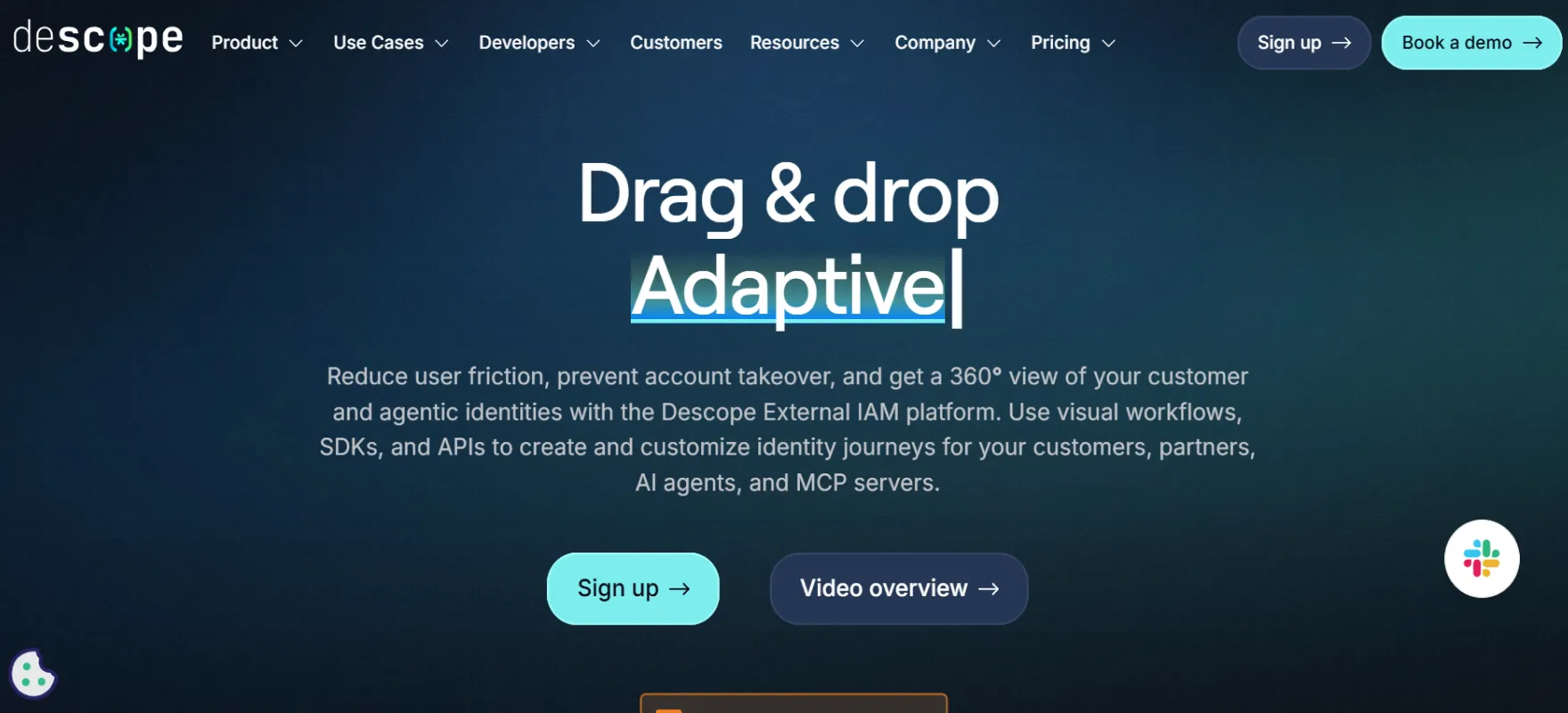
Descope is a modern customer identity and access management platform designed to simplify authentication for applications and digital products. It helps teams build secure login journeys for customers across web mobile and API environments.
Key Features
- Visual Authentication Workflows. Descope allows teams to build customer login and onboarding flows using a visual drag and drop interface which reduces the need for heavy coding.
- Passwordless and Passkey Authentication. The platform supports passkeys, magic links and other passwordless login methods which help reduce login friction and improve security for customer accounts.
- Customer SSO and Identity Provisioning. Descope supports SSO, RBAC and SCIM provisioning which helps applications manage customer access and identity provisioning across connected systems.
- Adaptive MFA and Risk Protection. Security policies can trigger MFA only when login activity looks risky which helps protect customer accounts without slowing down normal users.
- Customer Identity Management. Descope helps manage customer profiles and merge identities across different login methods so users can access applications with a unified account.
Pros
- Visual workflow building helps teams design customer login and onboarding journeys without complex development work.
- Passwordless authentication using passkeys and magic links improves the customer login experience and reduces password related risks.
- SSO and identity provisioning features help applications onboard enterprise customers and manage access across services.
Cons
- It is a newer platform so long term enterprise trust may take time.
- Teams may need time to learn the visual workflow approach if they are used to traditional coding.
- Community resources and integrations are still growing compared to older tools.
6. WorkOS
WorkOS is built for SaaS companies that need enterprise features quickly without building IAM from scratch. Its main strength is enterprise SSO directory sync and audit logging which are common requirements for large customers. It fits products that want to move upmarket into enterprise sales fast.
Key Features
- Enterprise Customer SSO. WorkOS provides single sign-on using SAML and OIDC which allows customers from different organizations to access SaaS applications using their existing identity providers.
- Directory Sync and Identity Lifecycle. WorkOS supports directory sync with SCIM and HRIS providers which allows customer organizations to automatically provision and remove user accounts.
- Audit Logs for Activity Visibility. The platform provides audit logs that record actions actors and resources which helps track customer account activity across the system.
- Role Based Access Control. WorkOS includes RBAC and authorization controls which allow applications to manage permissions for different customer users, teams and organizations.
- Admin Portal for Customer Setup. WorkOS provides an admin portal where customer administrators can configure SSO directory sync and identity settings for their organization.
Pros
- WorkOS helps SaaS applications add enterprise customer login features such as SSO and directory sync without building them from scratch.
- Developer APIs remain simple which helps teams integrate customer identity features quickly.
- The admin portal allows customer organizations to manage identity configuration and onboarding without developer involvement.
Cons
- It focuses mainly on enterprise SSO and not full identity lifecycle management. Some companies may need extra tools.
- Consumer facing authentication scenarios are not its main strength.
Pricing may feel high for small startups.
7. Frontegg
Frontegg combines authentication authorization and user management directly inside B2B SaaS products. Instead of acting only as a login provider it helps teams ship admin portals, tenant management and role controls quickly. The platform is more specialized which means it works best in B2B contexts.
Key features
- Built In Customer User Management. Frontegg provides user management inside SaaS products so applications can manage customer accounts roles and access without building identity systems from scratch.
- Admin Portal and Role Management. The platform includes an admin portal where customer organizations can manage users roles and permissions. Role based access control helps define what each customer user can access.
- Customer Authentication Layer. Frontegg supports authentication flows that secure customer login across applications APIs and different product entry points.
- Scalable SaaS Identity Integration. Frontegg is designed to integrate quickly with SaaS platforms so applications can add customer authentication and identity management without building complex infrastructure.
- Security Focused Access Management. Authentication and access control help protect customer accounts while ensuring the right users can access the right parts of the application.
Pros
- Frontegg combines customer authentication and user management directly inside SaaS products which helps reduce development effort.
- The admin portal allows customer organizations to manage users roles and permissions themselves.
- Built for B2B SaaS platforms which helps manage tenant level access and customer account control easily.
Cons
- Best suited for B2B SaaS so not ideal for every identity use case.
- Some advanced enterprise scenarios may require additional customization.
- Smaller ecosystem compared to older IAM vendors.
8. FusionAuth
FusionAuth targets developers who want deep control and flexible deployment options. It supports cloud and self hosted setups which appeals to companies with strict infrastructure needs.
The platform includes modern authentication standards and strong API driven customization so identity logic can match product requirements closely. Because of this flexibility it is often mentioned among reliable keycloak competitors for teams that want more control over authentication infrastructure.
Key Features
- Flexible Customer Authentication. FusionAuth supports passwordless login SSO and MFA which allows applications to design authentication flows that match different customer login needs.
- Multi Factor Authentication. The platform supports MFA through email, SMS, TOTP, and WebAuthn passkeys. It also allows step-up authentication for sensitive customer actions, so applications can require stronger verification when risk or account sensitivity increases.
- API First Identity Platform. FusionAuth is built with APIs and customization options which allow applications to modify login pages authentication flows and identity logic based on product needs.
- Customer Authorization and User Management. The platform combines authentication authorization and user management so applications can manage customer roles, permissions and access control in one system.
- Support for Modern Identity Standards. FusionAuth supports passkeys, OAuth2, social login and federation which helps applications support modern customer authentication methods.
Pros
- FusionAuth provides strong APIs and customization options which allow applications to design customer authentication flows based on product needs.
- Deployment flexibility allows applications to run the platform in cloud environments or self hosted infrastructure.
- Support for modern standards like OAuth and passkeys helps applications maintain secure and compatible customer authentication systems.
Cons
- Setup can be technical and requires identity knowledge for best results.
- UI feels basic compared to fully managed platforms.
- Ecosystem size is smaller than big enterprise vendors.
9. Microsoft Entra ID
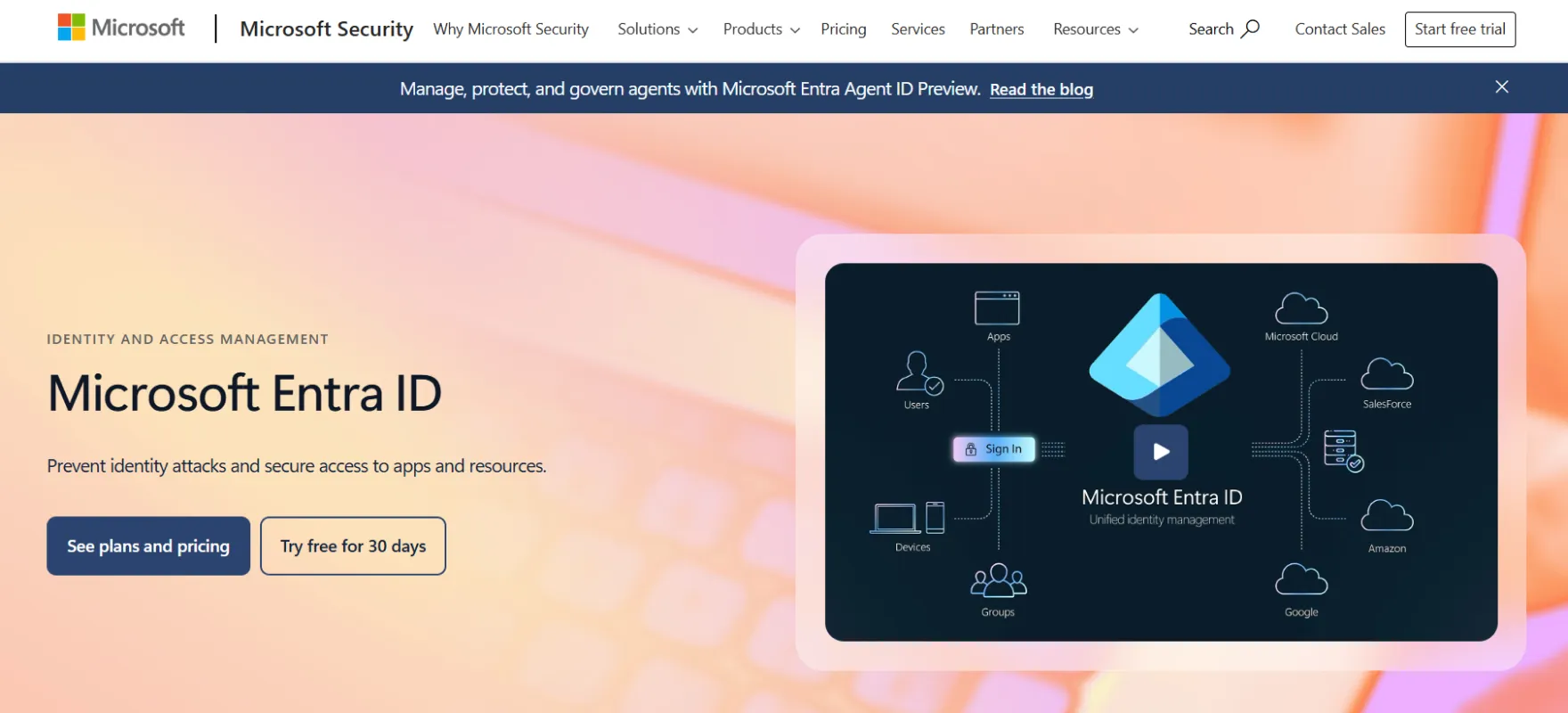
Microsoft Entra ID is a mature enterprise identity platform designed to manage workforce identities and enterprise application access across cloud environments. It is built around zero trust security ideas which help organizations protect employee accounts and internal systems.
The platform works especially well in companies already using Microsoft services because integration across apps directories and cloud tools feels natural. Conditional access and identity protection features add strong risk based security layers which help organizations detect and respond to suspicious login activity.
Key Features
- Cloud Identity Platform. Microsoft Entra ID provides cloud based identity management which helps applications manage customer identities and control access to apps services and resources.
- Adaptive Access and Risk Based Security. The platform supports strong authentication and conditional access policies where login decisions can change based on risk signals during customer sign in.
- Customer SSO and Passwordless Login. Entra ID supports SSO, MFA and passwordless authentication which allows customers to access applications with fewer login steps while maintaining strong account security.
- Hybrid Identity Support. The platform allows identity management across cloud and on premises systems which helps applications manage customer identities across different environments.
- Identity Protection and Lifecycle Control. Microsoft Entra includes identity protection monitoring and lifecycle management which help track customer authentication activity and manage account changes.
Pros
- Microsoft Entra ID provides strong identity management capabilities which help applications secure customer authentication and access.
- Conditional access and identity protection features help protect customer accounts from risky login activity.
- Hybrid identity support allows applications to manage identities across cloud and on premises environments.
Cons
- Works best inside Microsoft ecosystem and may feel less smooth in mixed environments.
- Licensing and pricing structure can feel confusing.
- Setup and policy configuration may take time because features are extensive.
10. Okta
Okta is widely recognized as a neutral enterprise identity platform that works across many technology stacks. Its large integration network helps organizations connect business apps quickly without heavy customization. Identity threat protection and lifecycle management features make it strong for workforce identity scenarios.
Key Features
- Enterprise Identity Platform. Okta provides identity services for workforce access and customer authentication across applications and services. It helps organizations manage secure login identity verification and access control so users can safely reach the tools and platforms they need.
- Wide Integration Ecosystem. The platform offers many application integrations which allows applications to connect authentication with different services and tools.
- Adaptive Security and Threat Detection. Okta monitors login activity and evaluates risk signals during authentication. Security responses can change when suspicious behavior appears during customer login.
- Identity Lifecycle and Access Control. Okta includes lifecycle management features which help applications manage customer account access and update permissions when account status changes.
- Flexible Identity Across Environments. Okta is designed to work across different technology environments which allows applications to integrate customer authentication without relying on a single ecosystem.
Pros
- Okta is a mature identity platform that supports secure customer authentication across many applications.
- A large integration ecosystem helps applications connect authentication with many services easily.
- Adaptive security features help detect suspicious login activity and protect customer accounts.
- Lifecycle management features help applications manage customer access changes across systems.
Cons
- Pricing can be expensive as organizations scale.
- Advanced configurations may feel complex for smaller teams.
- Some legacy environments need extra integration effort.
11. ForgeRock
ForgeRock is built for complex enterprise identity environments where security scale and governance matter deeply. The platform supports workforce customer and machine identity, placing it among keycloak competitors which makes it suitable for large digital ecosystems.
Key Features
- Customer Identity Platform. ForgeRock provides an identity platform that helps applications manage customer authentication and access across digital services.
- Passwordless and Modern Authentication. The platform supports passwordless login and modern authentication methods which help reduce friction and improve security for customer accounts.
- Customer Identity Lifecycle Management. ForgeRock supports lifecycle management features which help applications manage customer onboarding account updates and access changes.
- Policy Enforcement and API Security. Identity gateway capabilities allow applications to enforce access policies and protect APIs and microservices that handle customer data and services.
- Authorization and Audit Visibility. ForgeRock includes authorization controls and audit logging which help track customer access activity and maintain visibility for security and compliance.
Pros
- ForgeRock supports large scale identity environments which allows applications to manage large customer user bases.
- Modern authentication methods such as passwordless login help improve customer login experience and account security.
- Fine grained authorization allows applications to control how customers access different services and resources.
- Identity lifecycle and audit features help track customer access activity and maintain governance.
Cons
- Implementation is complex and usually needs experienced identity specialists.
- Costs can be high for smaller organizations.
- Deployment and configuration may take longer compared to simpler platforms.
How to Choose the Right KeyCloak Alternative?
The real decision comes from how identity works inside daily business flow. A strong platform should reduce friction for users while giving security teams real control making modern identity and access management solutions critical for real enterprise setups.
- Identity Model. Check how the platform handles workforce identity, customer identity and service accounts together. Many tools look strong but struggle when identity types grow. Role design and policy structure should stay clean even at scale.
- Operational Load. Look at how much ongoing effort the platform needs after setup. Some tools work well at first but become heavy to manage later. Policy changes onboarding and offboarding should not require constant engineering support.
- Security Depth. Go beyond MFA and check adaptive controls session intelligence and risk signals. Strong platforms react to behavior not only login rules. Threat visibility should help teams act faster during incidents.
- Integration Reality. Review how well the platform connects with directories apps and cloud environments already in use. Integration should feel native instead of forced through custom work. Migration effort and long term flexibility matter more than quick setup.
Finding the Right KeyCloak Alternative
The strongest solutions reduce identity complexity while improving visibility and automation. Enterprise teams need modern access governance, smart protection and smooth lifecycle management that scales without heavy maintenance.
After comparing multiple competitors one pattern becomes clear. The most practical direction focuses on modern identity security with strong access control and clean admin experience. This approach quietly solves the gaps that older identity models often leave behind.
The Modern Direction for Enterprise Identity
A modern identity platform should feel simple for admins yet powerful for security teams. It should combine strong authentication governance and automation without adding operational weight.
The points below highlight the kind of capabilities that define this modern enterprise identity approach and show why this direction stands out as the strongest choice.
- Adaptive authentication and risk signals protect access through dynamic login checks
- Passwordless login and modern MFA strengthen security while reducing user friction
- Single sign on with strong RBAC keeps access simple across applications
- Automated identity lifecycle and SCIM provisioning simplify onboarding and offboarding
- Built in threat detection and risk based policies help stop suspicious activity early
- Central admin dashboard with delegated administration improves identity management control
- Directory sync keeps identity data updated across connected enterprise directories
- Strong conditional access rules adjust security checks based on context signals
- User self service reduces admin workload and improves account recovery experience
If you are planning to move beyond legacy identity tools this is the right time to take the next step. See how modern identity can reduce complexity while improving protection across your organization.
Book a demo today and experience how modern identity security should actually feel.
FAQs
What are the limitations of Keycloak?
Keycloak offers strong open source identity features but setup and maintenance can feel complex. Advanced governance threat detection and enterprise lifecycle automation often need extra customization which increases operational effort for teams.
Which alternatives integrate easily with cloud apps and directories?
Modern identity platforms like Infisign, Auth0, Okta, and Microsoft Entra ID integrate smoothly with cloud apps, directories, and enterprise tools using SAML, OIDC, and SCIM, which helps reduce setup time and manual identity management.
What advanced threat detection capabilities do alternatives provide beyond Keycloak?
Many modern identity platforms include advanced threat detection that goes beyond basic authentication security. These systems monitor login behavior, device signals, and location patterns to detect suspicious activity early. Platforms such as Infisign, Auth0, Okta, and Microsoft Entra ID use risk based authentication, adaptive MFA, and behavioral analysis to respond when unusual access patterns appear.


