


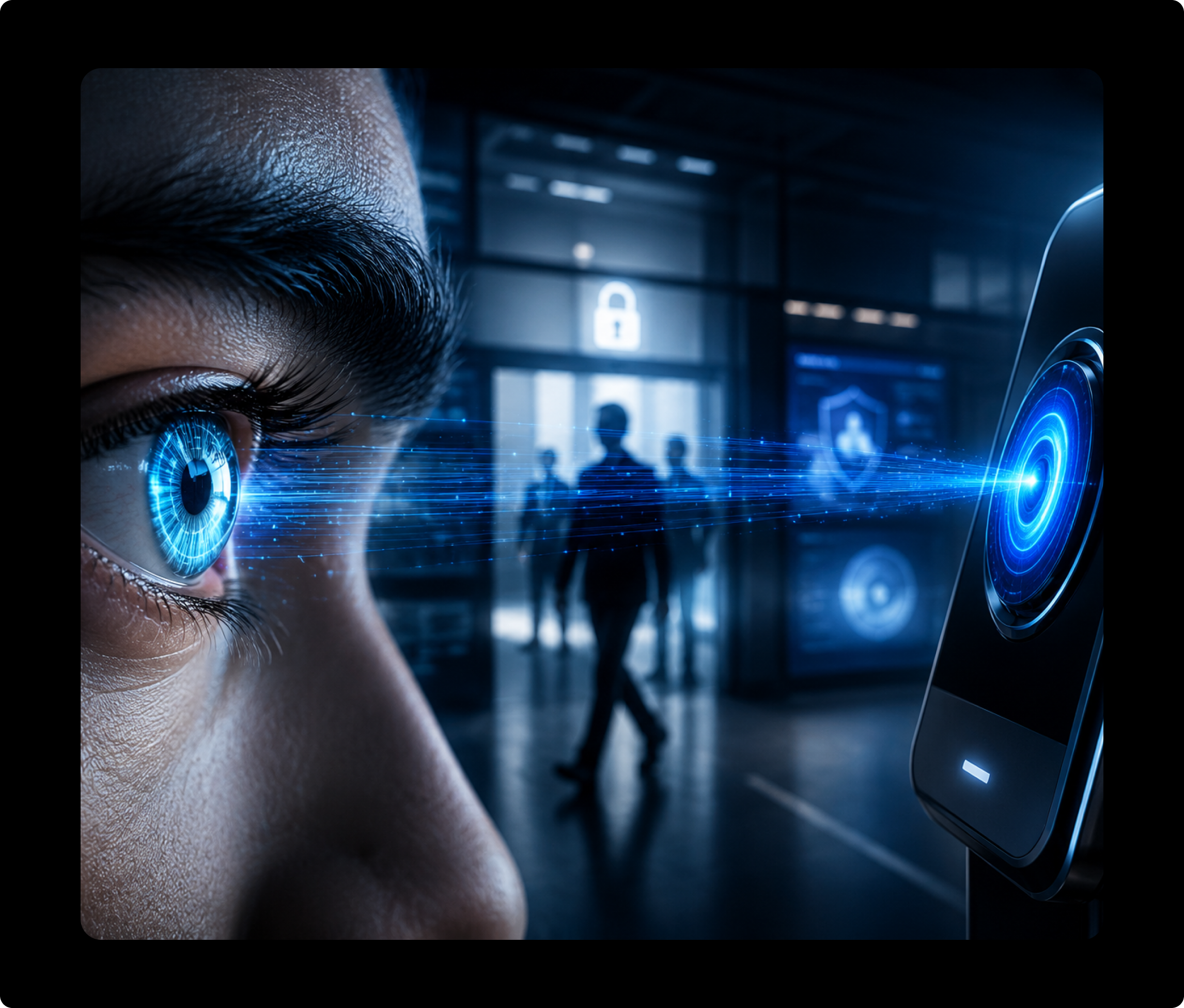
Why Choose Infisign for Your IrisAuthentication Systems
Forensic-Grade Logs
Every login is recorded in detail, so you can always prove exactly who accessed what and when for HIPAA or any other compliance.

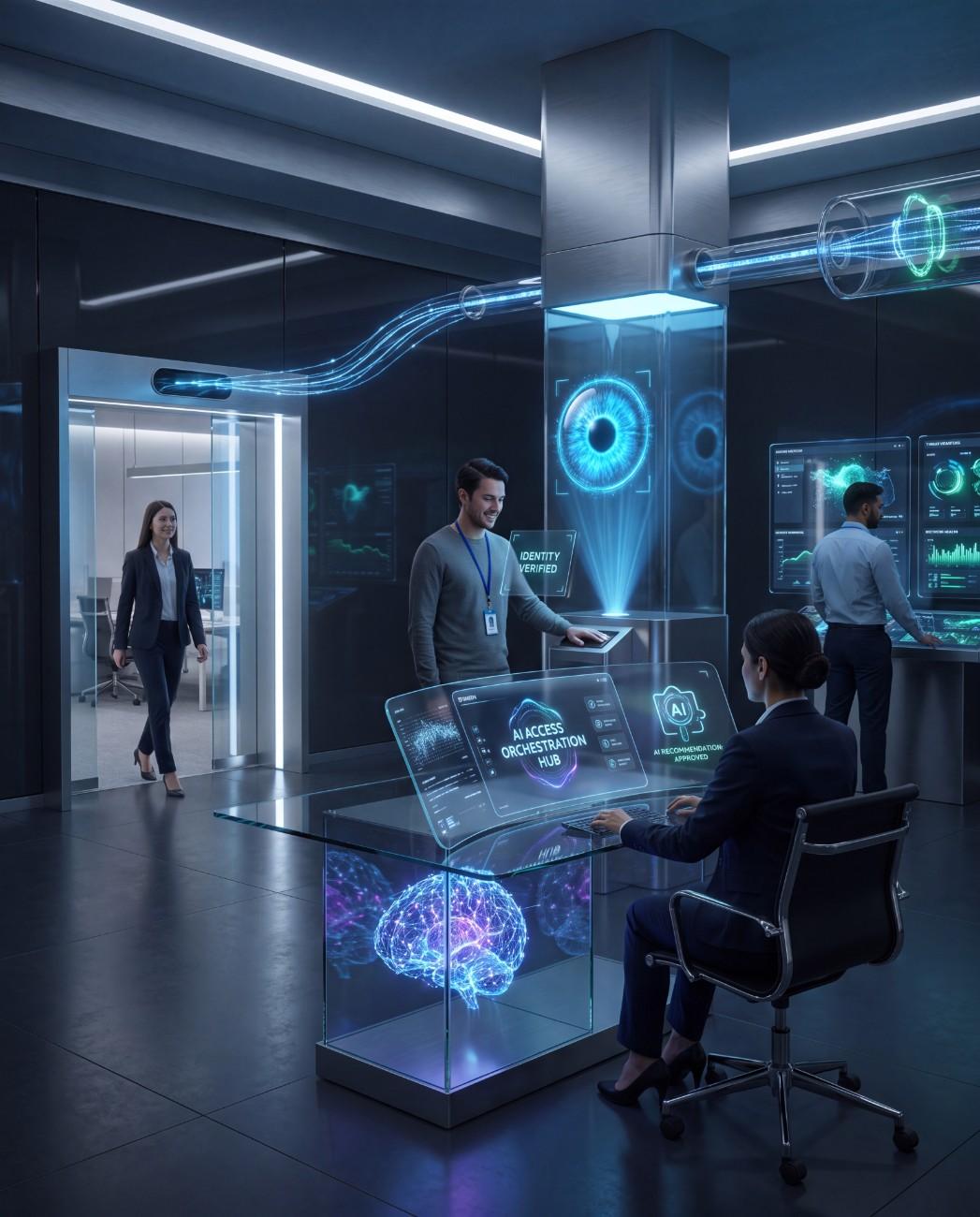
AI Access Assist
Allow admins to grant access secured by iris authentication systems so that users get quicker and IT teams can work on the tasks that matter.
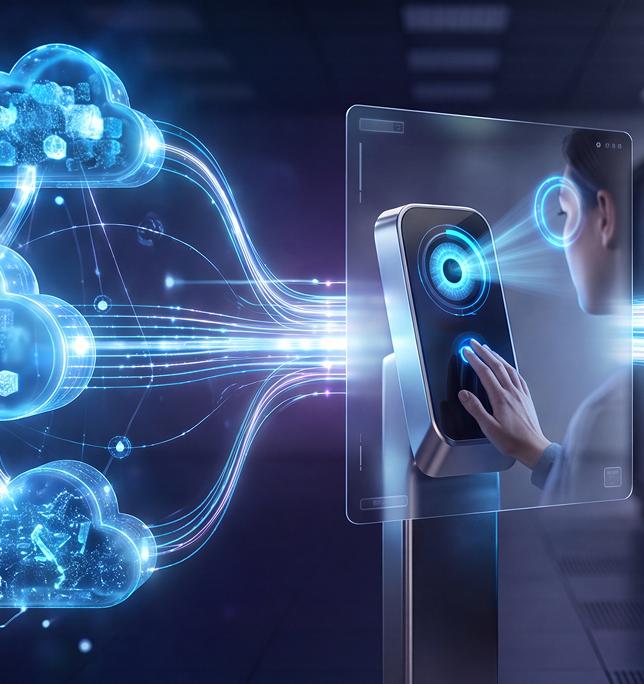
Designed for On-Prem and Cloud Ecosystems
Run it in the cloud, on your own servers, or both. Infisign iris authentication systems can fit the setup you already have.
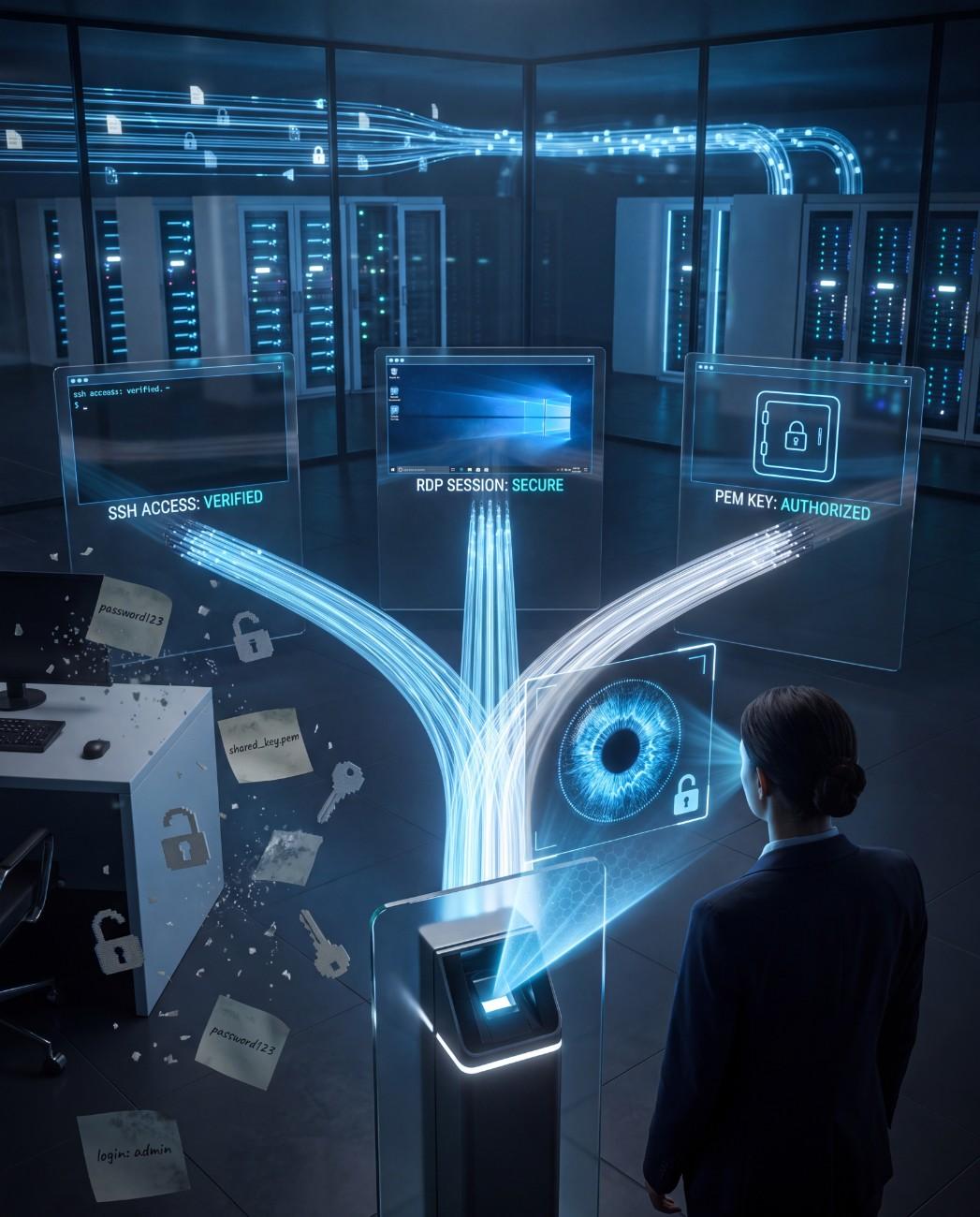
SSH, RDP, PemKeys
Replace risky shared keys with iris authentication systems for servers, remote desktops, and admin logins.
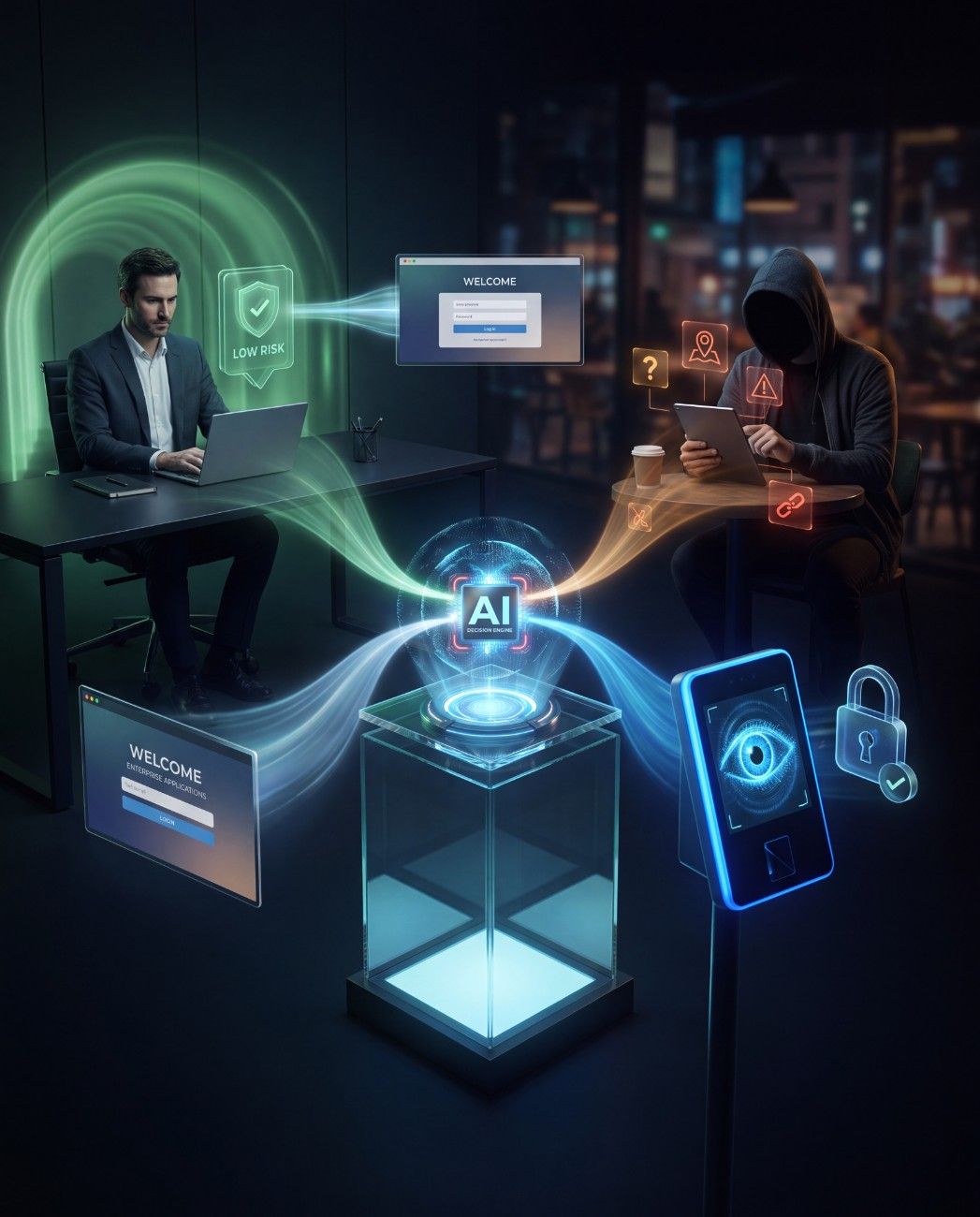
Conditional Access
Extra iris verification only applies to risky logins, so trusted users log in without delay.


One Platform, Every Method
.png)
Facial Recognition
Stop juggling multiple logins, and focus on activities that drive revenue with pre-built app integrations.
.png)
Fingerprint
Use the tap-and-go standard people already trust on phones and laptops.
.png)
FIDO2 passkeys
Skip passwords with device-based passkeys that are nearly impossible to phish.
.png)
Bound to the Person
Every credential ties back to one real person, so access can never be shared or faked.
.png)
Health Tech
%201.webp)
Gloved, contactless clinical login
Controlled substance access
HIPAA-ready audit trail


Government Institutions
Gloved, contactless clinical login
Controlled substance access
HIPAA-ready audit trail
How Infisign Iris Authentication Works
.png)

Enroll
Scan your teams’ iris once to set up fast, secure access.
.png)
.png)
Verify
Scan your teams’ iris once to set up fast, secure access.
.png)
.png)
Log Records
Every authenticated login is tracked and timestamped for full visibility and compliance requirements.
Secure Access at Every Ecosystem You Use
.png)
Instant Cloud Deployment
Turn on iris authentication security for remote teams instantly, with nothing to install on-site.
.png)
On-Prem Control
Full ownership of your biometric data, hosted on infrastructure you control end-to-end.
.png)
APIs and SDKs
Add Iris authentication systems straight into your ecosystem. Our SDKs make custom, secure logins easy to build.

Stop Data Breaches With Passwordless Authentication
Secure logins with OTPs, biometrics, and QR codes. No passwords means no phishing or credential attacks.
FAQs on Iris Authentication Solutions

Ready to Make Passwords Obsolete?
Book a Demo


