JumpCloud is a huge market leader in cloud directory services. The firm also leads in Unified Endpoint Management (UEM).
Many growing firms and Managed Service Providers (MSPs) use JumpCloud. Spread-out IT engineering teams also rely on the software.
This is why we’ll cover its pricing, pros, and cons. Alongside that, this JumpCloud review helps you learn what you need to know about the system and its ease of use.
What Is JumpCloud?
JumpCloud is a broad open directory platform. The software is built to center, automate, and lock down identity workflows. The tool handles physical endpoint management. These workflows run across complex, mixed enterprise setups. These range from macOS and Windows to Linux spaces.
The basic goal of the system is to change the classic IT directory. The directory turns into an AI-powered, cloud-native unified IT management system.
Old systems often favor specific operating systems. They favor locked vendor spaces and JumpCloud directory is built from the ground up to be neutral. The system sets up a single firm identity for every user. This identity carries on across all linked IT resources.
For firms burdened by legacy setups, JumpCloud serves as a key bridge where the network lets IT departments carry out a containment plan.
What is JumpCloud used for?
Common enterprise use cases for JumpCloud include:
- Automated Lifecycle Management: This fully automates the classic Joiner, Mover, Leaver staff processes. JumpCloud pulls this off by syncing data with main Human Resources Information Systems (HRIS). Workday or Rippling are good examples.
- Cloud LDAP and RADIUS Authentication: This moves old authentication protocols to the cloud. JumpCloud lets remote offices and spread-out teams authenticate against network Wi-Fi. They can log in against legacy storage systems too. They do not need to maintain local physical hardware.
- Cross-Platform Device Management: This controls the physical endpoint as a first-class citizen within the directory framework. JumpCloud executes strict command rules across Windows, macOS, Linux, iOS, and Android devices natively. The program does this from a single console.
- Shadow IT and SaaS Governance: This gives visibility into spread-out software purchasing. JumpCloud watches authentication traffic. The tool sniffs out both approved and unapproved apps being used. The platform dishes out actionable data for fast SaaS spend tweaks.
- Shadow AI Governance: The system maps exactly where sensitive corporate data flows. The tool points out data going into unapproved public Large Language Models. JumpCloud scans local config directories. The agent picks up connected AI agents and Model Context Protocols. These operate inside local development setups.
- Passwordless Access and Zero Trust: JumpCloud securely ties authentication directly to the hardware. The platform relies on secure enclaves to do this. This fundamentally wards off the risk of remote credential harvesting. The setup puts a true Zero Trust security design to work.
- Automated Patch Management: JumpCloud fights the weakness of outdated systems. The server pushes out automated updates to basic operating systems. The software rolls out updates to key web browsers across global fleets. This helps to lock in ongoing compliance.
Key Features of JumpCloud
The main features this JumpCloud review will cover include:

- The Main Cloud Directory: JumpCloud carefully sets up an open, protocol-driven base for all identity operations. The server dynamically dishes out user access to needed web apps. The directory grants access to physical hardware and network resources based on their assigned department groups.
- JumpCloud Go: This heavily cuts down the mental load of password fatigue. The tech builds up security at the same time. The feature is a hardware-protected, phishing-resistant passwordless authentication tech. The system relies on the secure enclaves built into modern endpoints.
- Conditional Access Policies: JumpCloud runs highly complex situational telemetry checks before granting resource entry. The platform dynamically checks out the user geographic location. The network looks over the IP address and the managed status of the device. The gateway demands step-up authentication or blocks untrusted access entirely.
- Declarative Device Management (DDM) Links: These settings grant systems admin precise control over Apple environments. JumpCloud backs up the modern growth of Apple MDM. The link allows devices to actively report their state. They autonomously put on highly stable software updates.
- Active Directory Link Suite: This dynamically bridges modern cloud operations with deep legacy roots. JumpCloud deploys this suite to let firms with strict local compliance needs sync their data. They keep up their needed local Microsoft domains. They utilize JumpCloud for remote SaaS access.
- Native Linux Management: JumpCloud explicitly manages complex developer hardware. Firms can natively roll out agents to major systems like Ubuntu. They carry out remote commands and manage SSH keys. They pull this off with the same ease as Windows systems.
- Linked Remote Access: JumpCloud securely sets up direct links to endpoints globally. IT staff utilize this tool to hand out fast user help. They do not require extra, costly remote desktop software licenses.
JumpCloud Pros and Cons
Most JumpCloud reviews state pluses for enterprises seeking massive system grouping. Yet, highly specific policy bounds exist. Growing feature costs pop up for certain working environments too.
JumpCloud Pros
- Creates a clear, serverless IT footprint. The system acts as a direct swap for aging Active Directory domain controllers. To pull this off, JumpCloud fundamentally unburdens smaller IT teams. The shift frees them from upkeep overhead, tier-zero patching, and power costs.
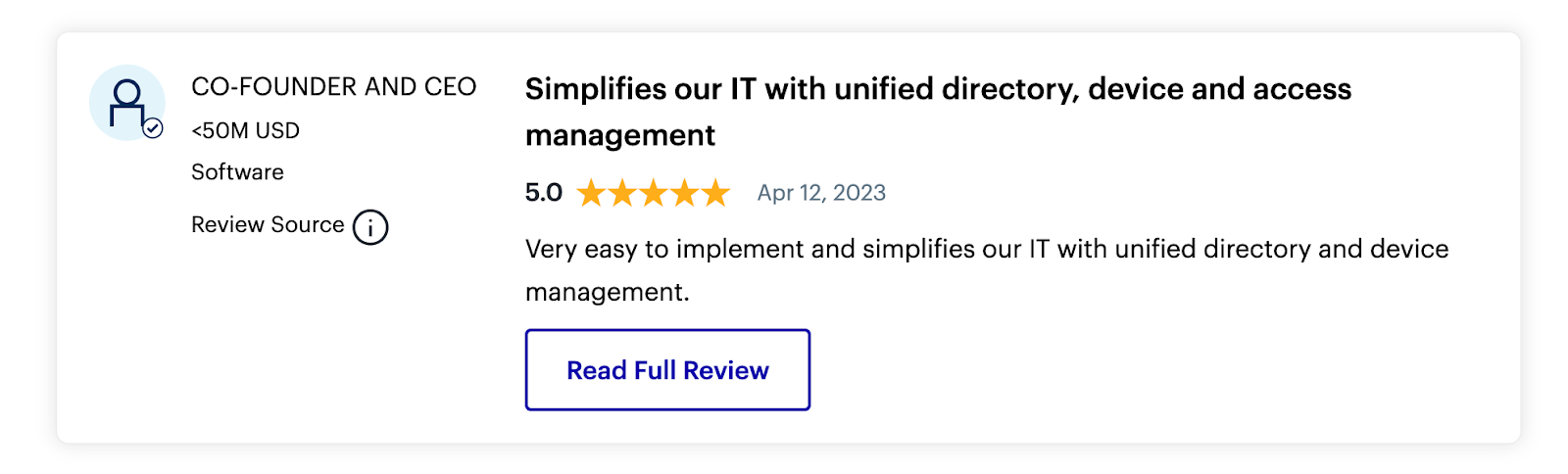
- Brings unmatched power to demand a complete security posture from the moment hardware is unboxed. The platform manages the link of biometric MFA at the operating system login screen. The app makes sure devices are locked down before accessing firm data.
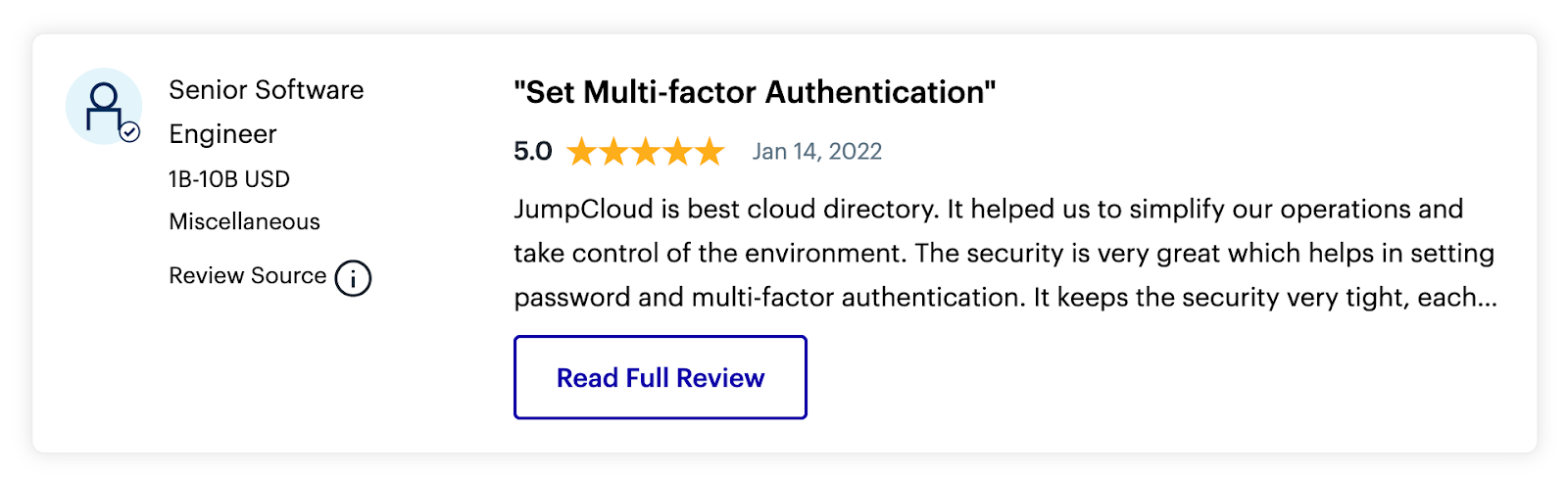
- Automated workflows effectively stamp out very tedious daily admin tasks. This shifts offboarding from a multi-hour manual checklist. The task turns into an instant, multi-system access drop process.
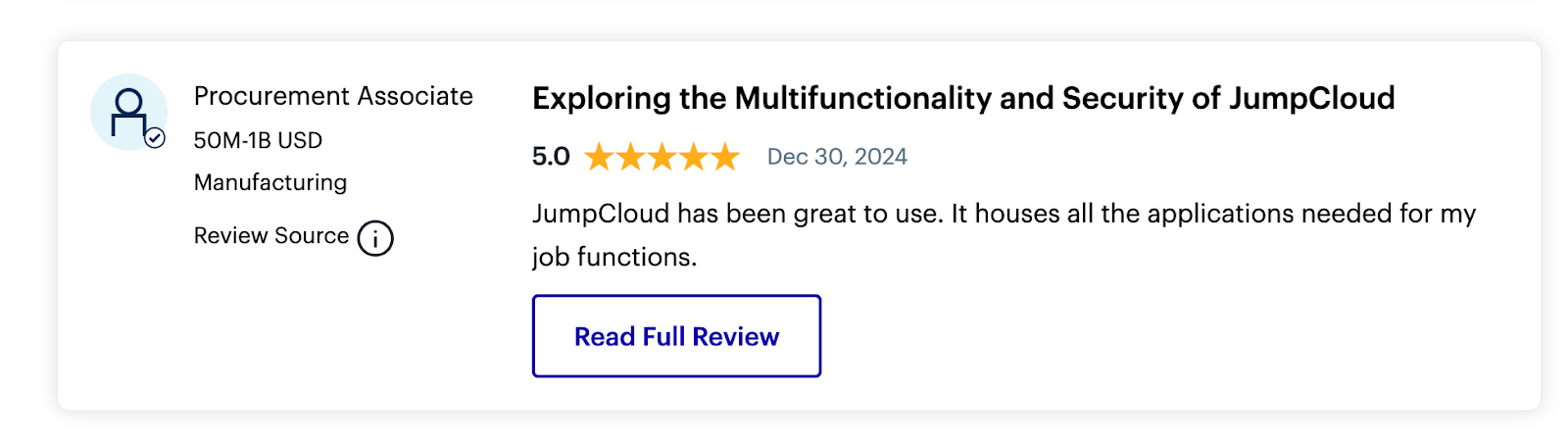
- Algorithmically sniffs out extra apps and inactive user licenses. The scan relies on the SaaS Spend Optimization tool for this. The audit heavily cuts down wasteful recurring software buying budgets.
- A planned Free for 10 perpetual tier gives away the platform. The deal is free for up to 10 users and 10 devices. This smooth entry point bundles in full access to Cloud LDAP and cross-platform MDM. The package brings in premium chat support without being a limited trial.
JumpCloud Cons
- Policy targeting is widely described as lacking needed detail. Rules apply at the broad device level. This wrongly locks out local IT admin accounts. The flaw makes device fixes highly tough.
- The native reporting engine designed for compliance audits draws harsh critiques. People say the engine is not enough. The module lacks polished executive dashboards. This forces admins to manually pipe raw telemetry data into third-party Business Intelligence (BI) platforms.
- Outside device management experiences bring down morale. The platform lacks native network printer management. The tool lacks strong tracking for non-compute hardware. This completely breaks down the serverless value pitch.
- The built-in password manager leans on highly erratic browser add-ons. End-users judge the interface as visually clunky. They call the tool distinctly worse than dedicated consumer choices like 1Password or Keeper.
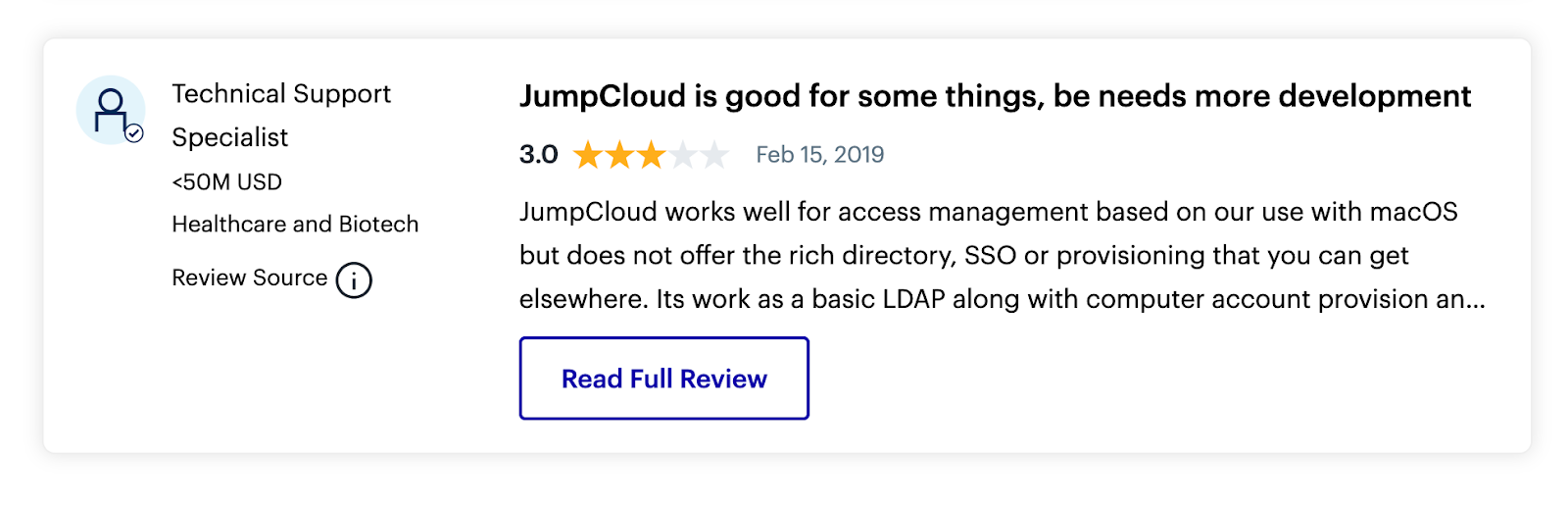
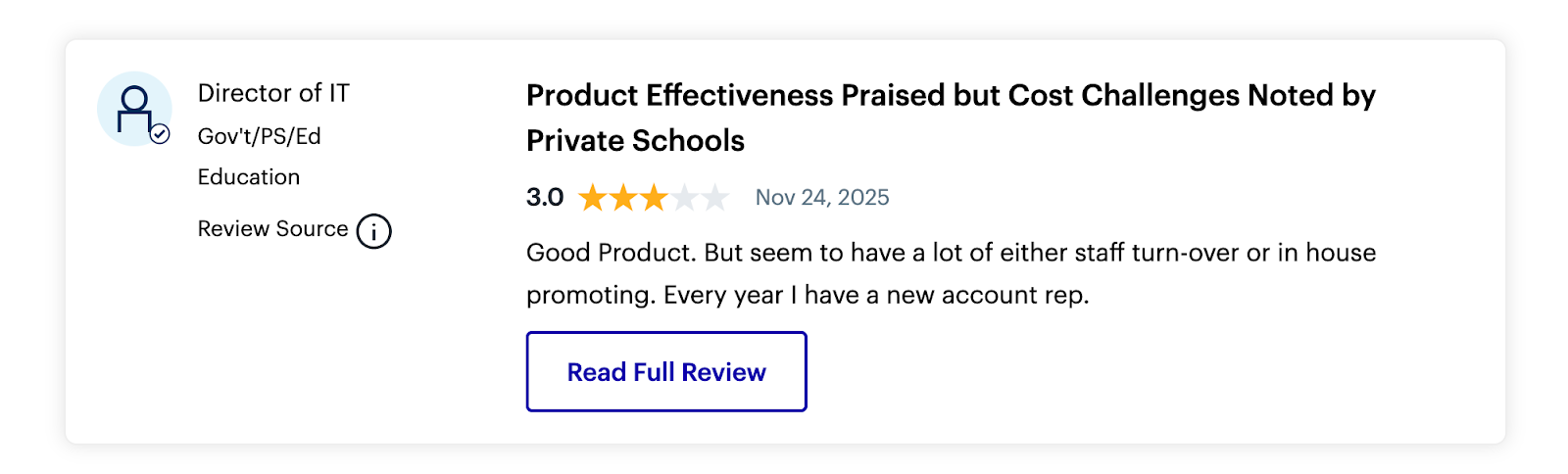
- Long-term platform users often speak out over harsh feature gating. Base costs have scaled upward. Highly wanted new features are segmented into costly paid add-ons. They do not show up in current tiers.
JumpCloud Pricing
JumpCloud reviews state the tool pricing utilizes a highly modular, per-user, per-month plan. The baseline costs vary broadly. The sum depends on whether firms pick single modules or the maximum bundled packages.
Complex, large-scale rollouts require careful math. This helps to map out the long-term Total Cost of Ownership.
Opting for month-to-month billing generally adds a premium. The shorter term tacks on about $2.00 per user across higher tiers.
JumpCloud Alternatives
Several specialized platforms and massive enterprise systems square off against JumpCloud. They go up against the unified directory method. Many IT architects check JumpCloud alternatives.
To pick the ideal alternatives, in this JumpCloud review, we looked at vendor system alignment, affordability, ease of usage and absolute granular control:
- Okta is widely viewed as the industry top tier for enterprise app SSO and cloud identity. The brand possesses an unmatched catalog of pre-built links. However, Okta drastically falls short in physical endpoint management. The system entirely lacks native device management. The setup forces firms to purchase third-party MDM software like Jamf and can end-up being a lot more pricey than JumpCloud.
- Infisign AI is an AI-powered IAM tool with decentralized architecture. The app edges out JumpCloud with fast setups and passwordless security. Teams lean on automation and AI-guided lifecycle management. Infisign steps in where legacy systems fail, rolling out multi-platform governance across cloud and on-premise assets.
- Microsoft Entra ID and Intune represent the most formidable alternative for firms heavily entrenched in the Microsoft ecosystem. They dish out deep security for Windows devices. Conversely, this stack brings in bewildering enterprise licensing schemas. The suite is notoriously criticized for sluggish, feature-poor management of macOS and Linux endpoints.
- Jamf Pro is built exclusively for the Apple ecosystem. The program churns out deep configuration payloads and zero-day setups. The software gives extreme depth that JumpCloud simply cannot match for complex creative or educational fleets. However, Jamf fundamentally cannot manage Windows or Linux devices. This breaks down the single-console idea.
FAQs on JumpCloud
What is the main difference between JumpCloud and Okta?
Okta is aggressively cloud-native and strictly app-focused. The rival is the default choice for immense firms requiring intricate web-based identity routing. JumpCloud reviews state that it breaks away by deeply linking physical endpoint management into the exact same console. The platform fundamentally protects both the web app login and the local OS hardware natively.
Does JumpCloud completely replace Microsoft Active Directory?
Yes. For the vast majority of cloud-first SMEs, JumpCloud stands in as a direct, modern swap. The product replaces aging on-premises Active Directory domain controllers. For massive enterprises unable to fully cast aside their legacy footprint, JumpCloud falls back on a containment plan. The service links with and ring-fences local AD servers.
What are the hidden pain points during a JumpCloud rollout?
While daily operations are fast, the initial setup is frequently noted as highly complex. Admins state that advanced settings regarding identity federations and complex routing are often buried in non-obvious menus. Furthermore, relying entirely on the platform for tough SOC 2 or HIPAA compliance reporting will likely call for unexpected third-party BI software.
Can JumpCloud manage Apple devices effectively?
Yes, JumpCloud heavily leans on Apple built-in frameworks. The network links up with Apple Business Manager for zero-touch setup. The vendor officially supports Declarative Device Management. However, some JumpCloud reviews state that massive fleets with extreme Apple-specific payload demands will find the platform lacks the surgical depth of an exclusive MDM like Jamf.
How does the free tier actually work?
JumpCloud perpetual free tier genuinely hands over the broad platform for up to 10 users and 10 devices. The plan is not functionally crippled. The gateway permits full usage of SSO, cross-platform MDM, and Cloud LDAP. The deal throws in 10 days of premium 24/7 chat support for initial setup.